

Activity Log
The Activity Log tab contains the history of changes related to the selected guest.
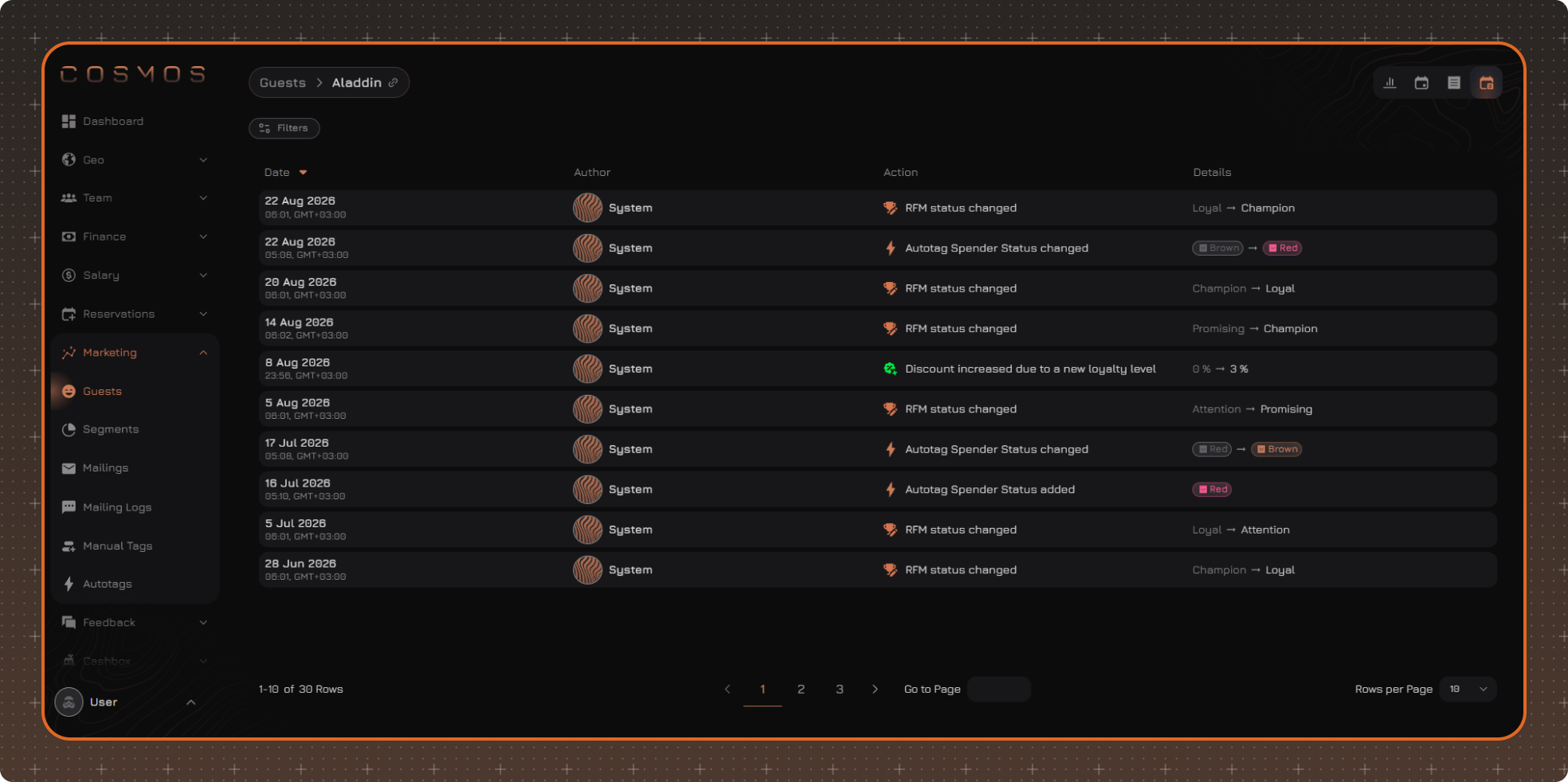
The log displays the date and time of the change, the employee or system that performed the action, the type of change, and related details.
For example, the log records tags being added or removed, changes to notes, preferences, and RFM Status.
Data Filtering
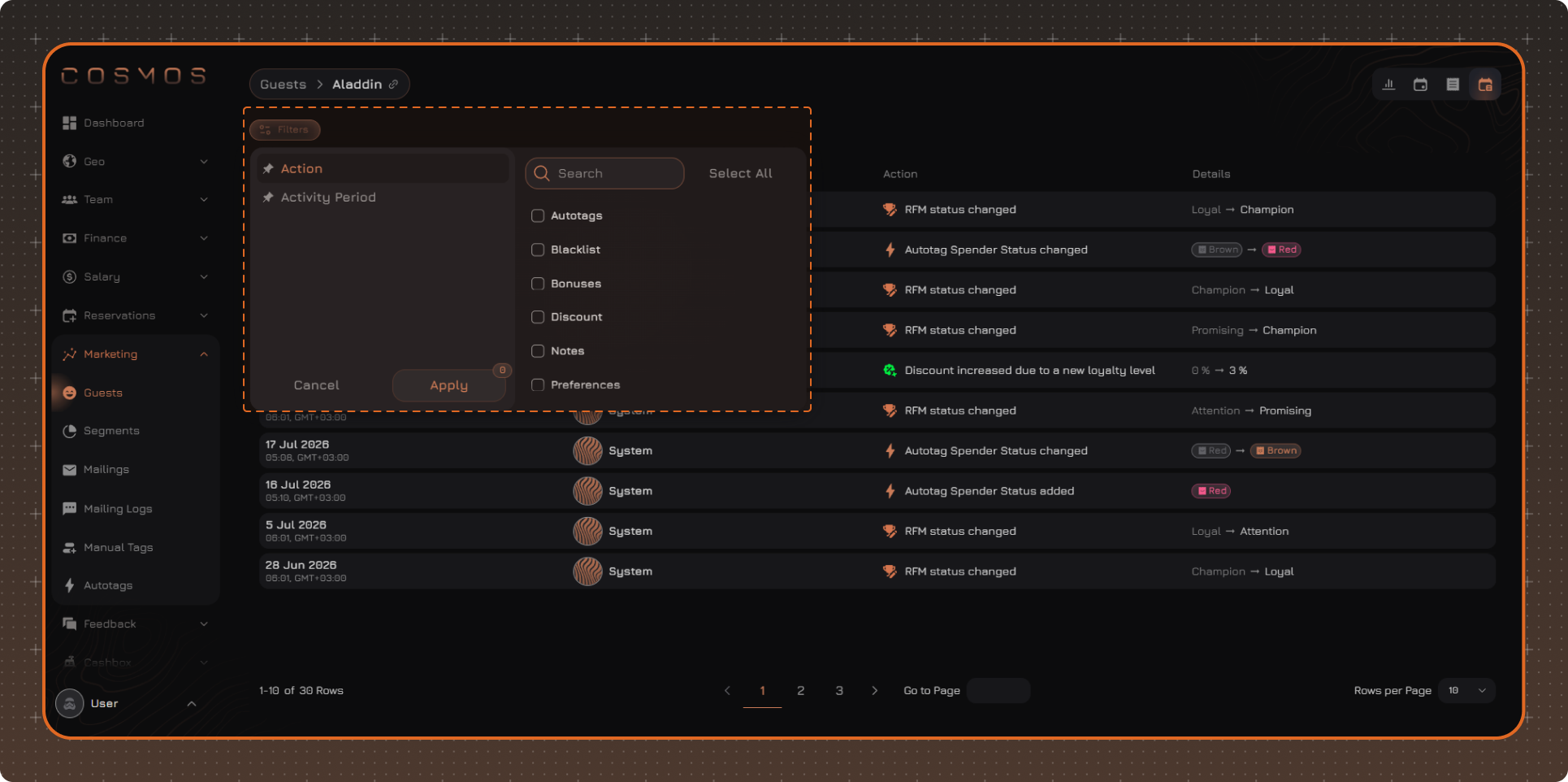
To filter the Activity Log, click Filters.
After selecting the required values, click Apply.
Applied filters are displayed above the table. To remove an individual filter, click × next to its name. To reset all filters, click Clear Filters.
Note. Selected filters are saved after the page is refreshed and when switching between guest profiles. The filters are reset after you log out.