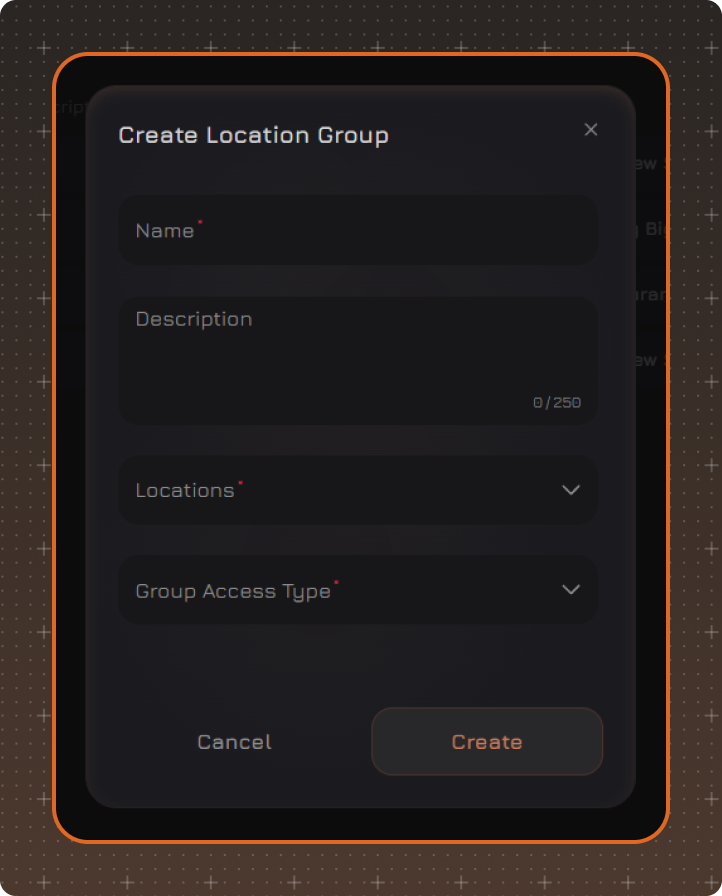
Create Location Group
To create a Location Group, click Create, fill in the required fields, and click Create.
-
Name
-
Description
-
Locations — select one or more locations to include in the group.
-
Group Access Type — select the type of access to the guest database:
— Full Base — group users get access to the entire guest database of the chain.
— Group Base — group users get access only to guests who have activity at locations within this group.
Edit Location Group
To change the group settings, click the required group in the list.
In the window that opens, make the necessary changes and click Save.
Delete Location Group
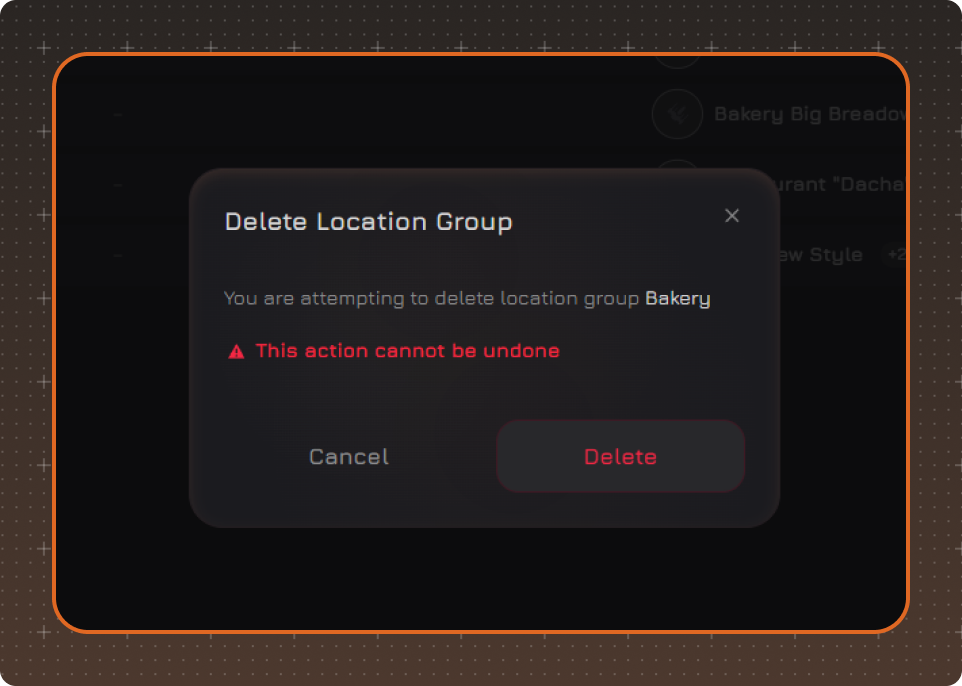
To delete a group, right-click it and select Delete.
Confirm the deletion in the window that opens.