Mailing Log
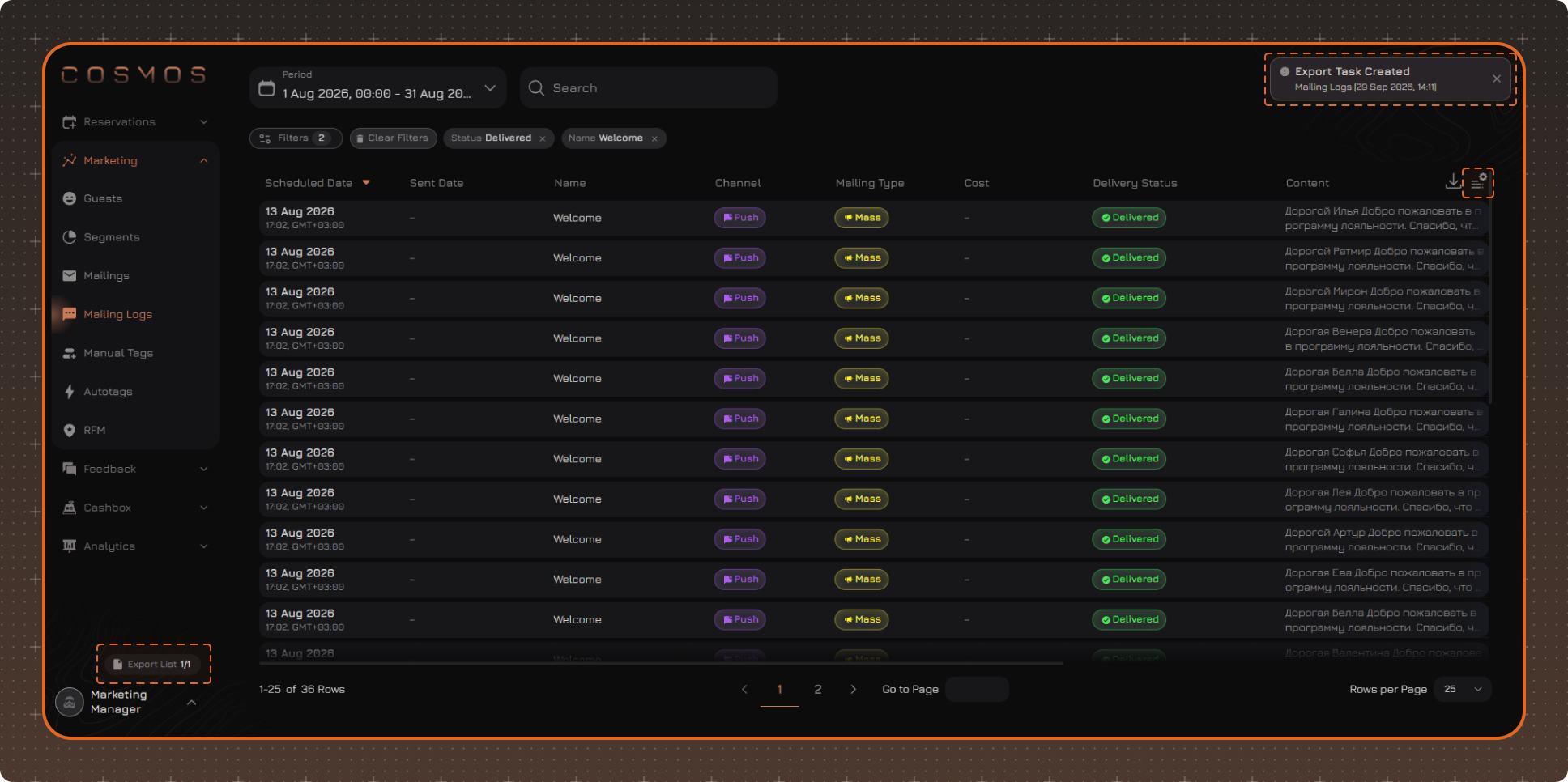
The Mailing Log displays information about messages sent to guests. Each row in the log corresponds to a separate message.
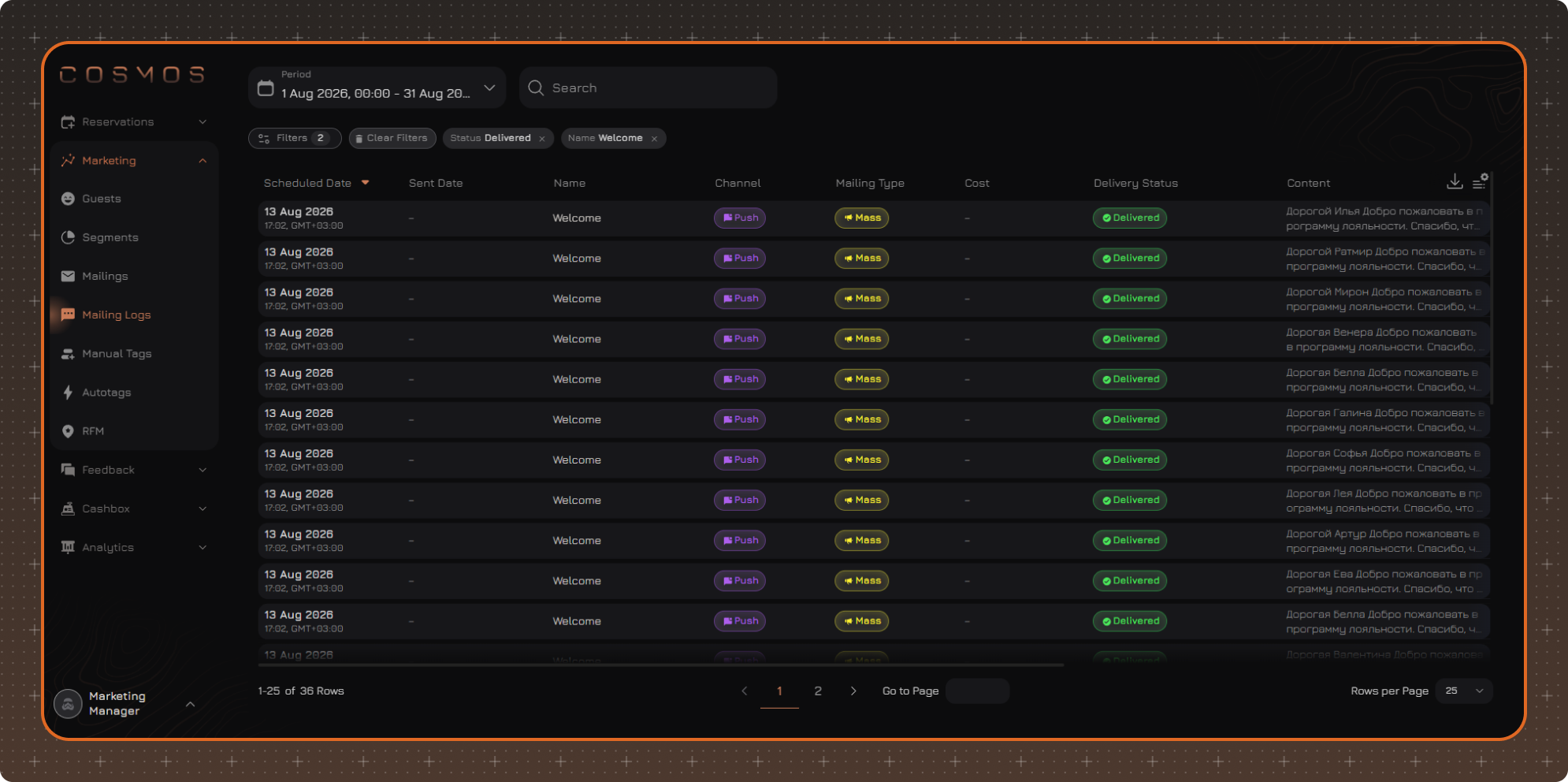
To view messages for a specific period, select the required date range.
Click a row in the table to open the settings of the corresponding mailing.
Filters
To select messages by specific parameters, click Filters.
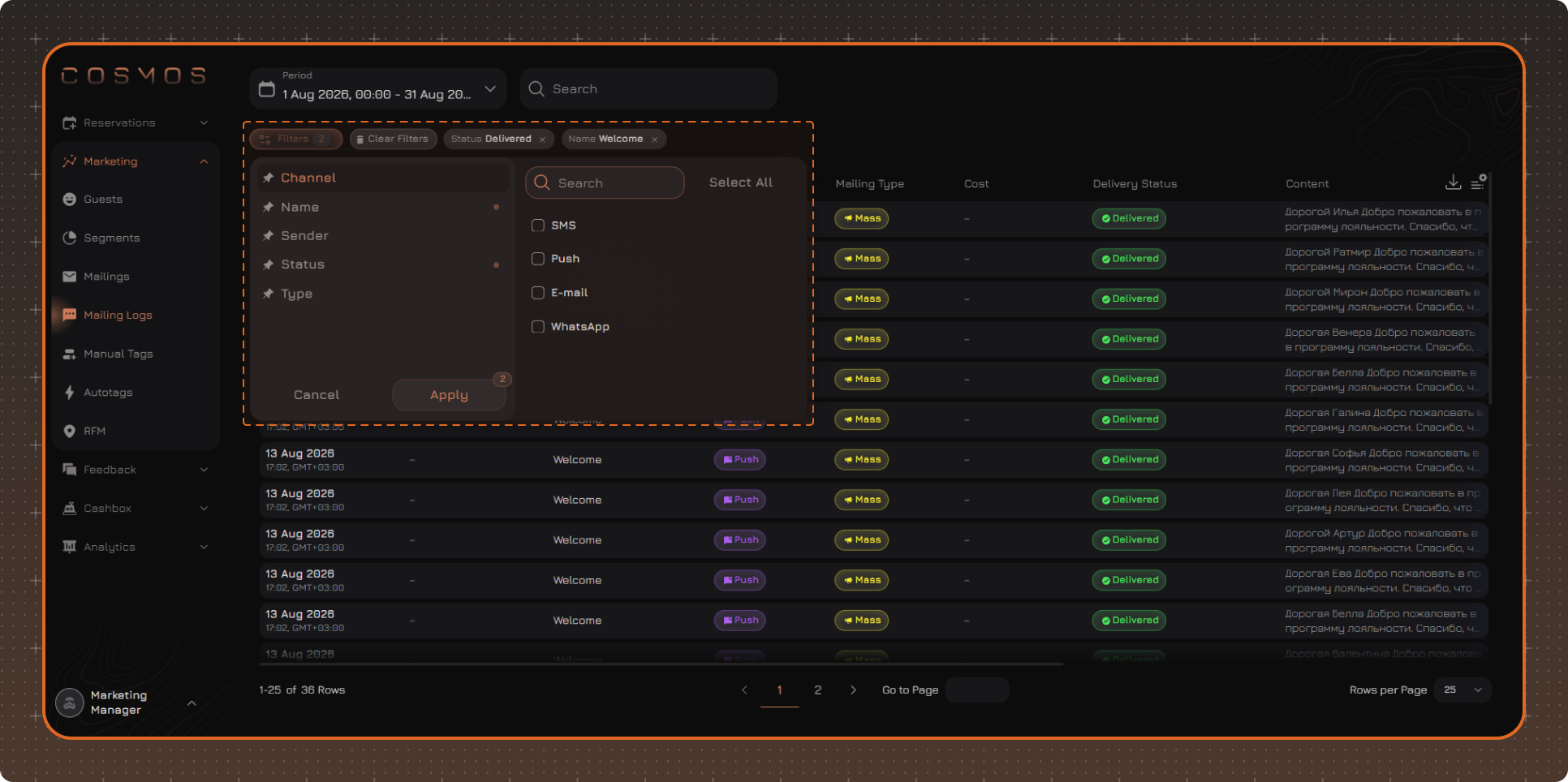
Select the required values and click Apply.
Applied filters are displayed above the table. To remove an individual filter, click × next to its name. To reset all filters, click Clear Filters.
Note. Selected filter values are saved after the page is refreshed. Filters are reset after you log out.
Table Settings
To change the displayed columns, click the table settings button in the upper-right corner.
In the panel that opens, you can:
✔ Select the columns to display
✔ Change the column order — drag a column in the list by the icon to the left of its name
✔ Pin the required columns — click the pin icon to the right of the column name. Pinned columns move to the beginning of the table
✔ Restore the default settings using Reset to Default
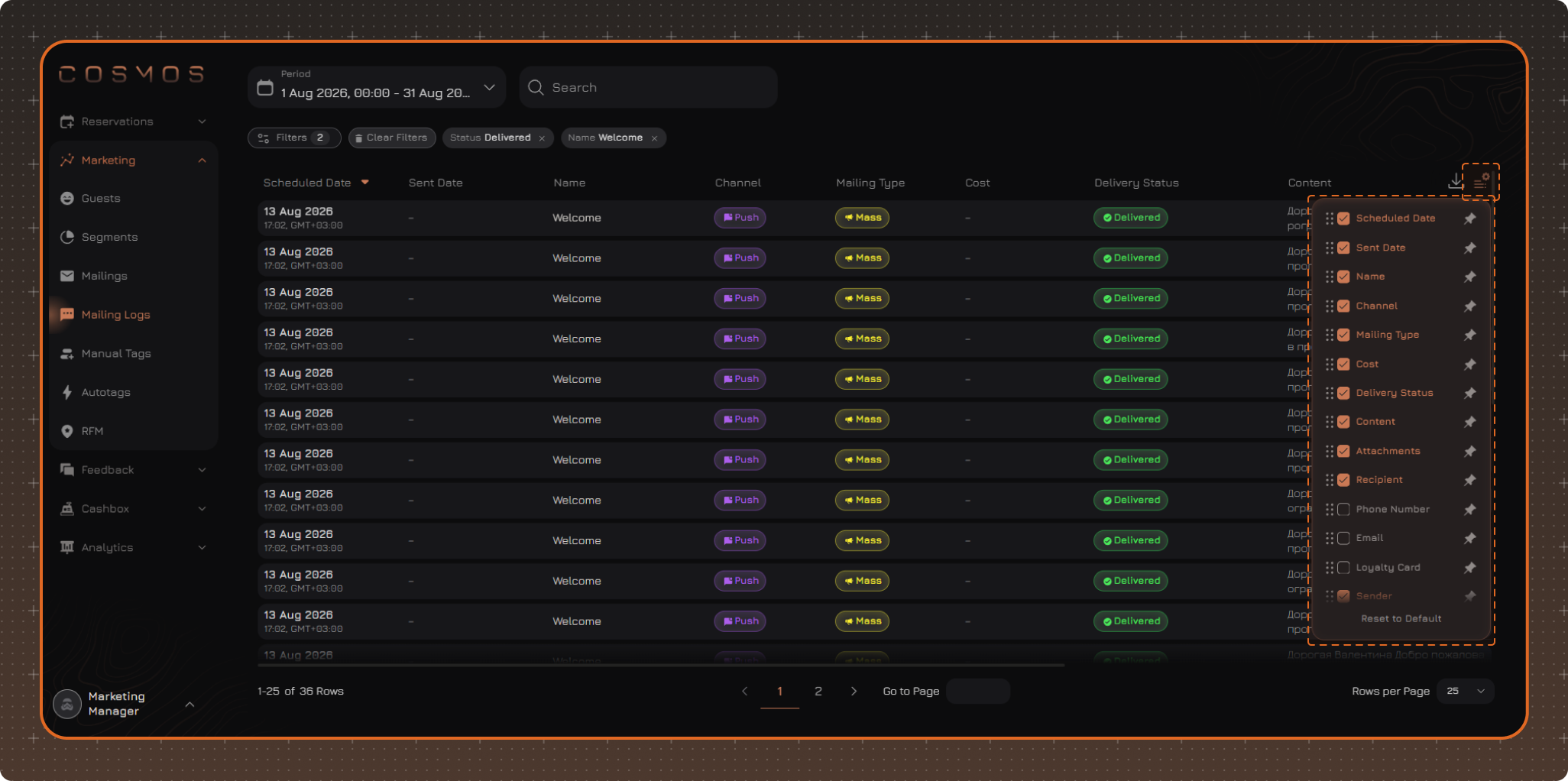
By default, the table displays the following columns:
- Scheduled Date — the date and time the message is scheduled to be sent. By default, the table is sorted by this column, newest first
- Sent Date — the date and time the message was actually passed to the sending service
- Name
- Channel
- Mailing Type
- Cost — the cost of sending an SMS
- Delivery Status
- Content
- Attachments
- Recipient
- Sender
The following columns can also be enabled. When enabled, they are displayed in the table according to the column order in the settings:
- Phone Number
- Loyalty Card
Note. Table settings are saved after the page is refreshed. The settings are reset after you log out.
Export
To export data from the log, click the export button in the upper-right corner of the table.
The export includes data for the selected period and applied filters. Only the columns enabled in the table settings are exported.
Pinned columns are placed at the beginning of the table and keep this position in the exported file.