Shifts in COSMOS APP
Entering a Shift
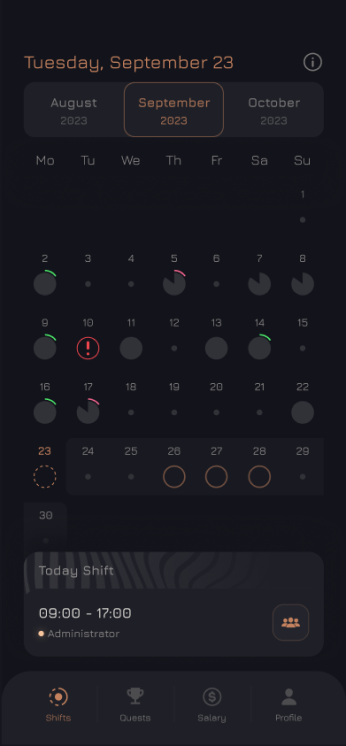
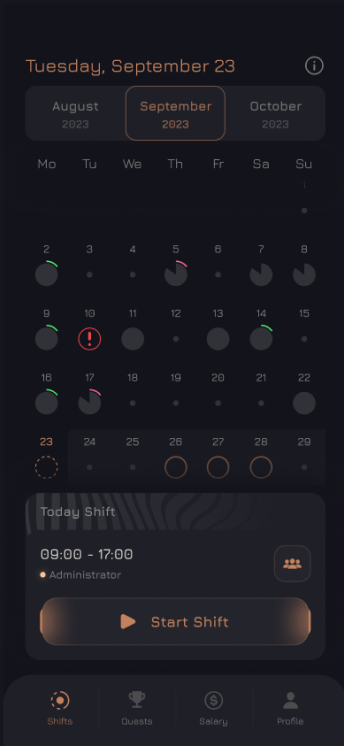
An hour before the scheduled start of the shift, the Start Shift button will appear and will be displayed until the scheduled end of the shift.
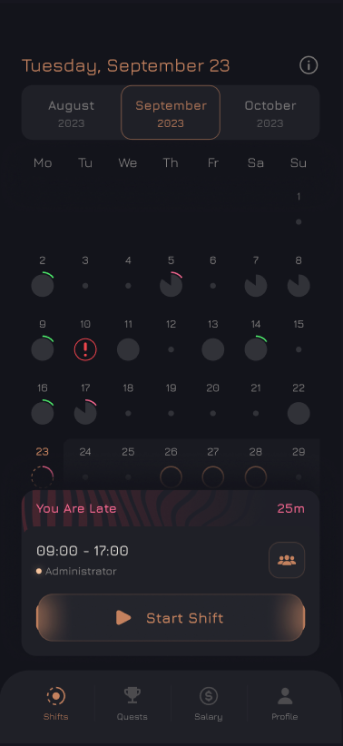
Geolocation and Photos
Before entering a shift you must:
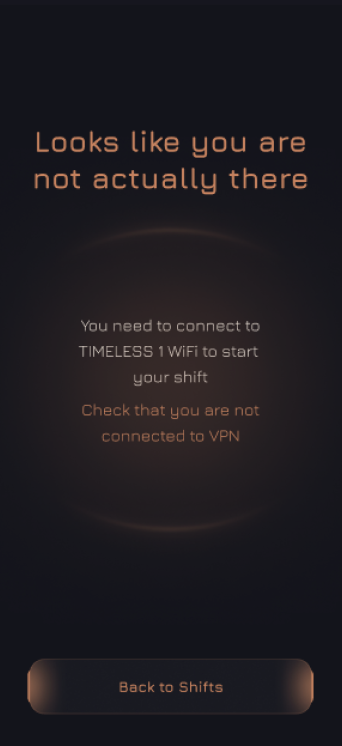
- Connect to the establishment's Wi-Fi network;
- Enable geolocation;
- Grant the application access to geolocation.
Otherwise, the application will think that you have not yet arrived at the establishment and will not allow you to start a shift.
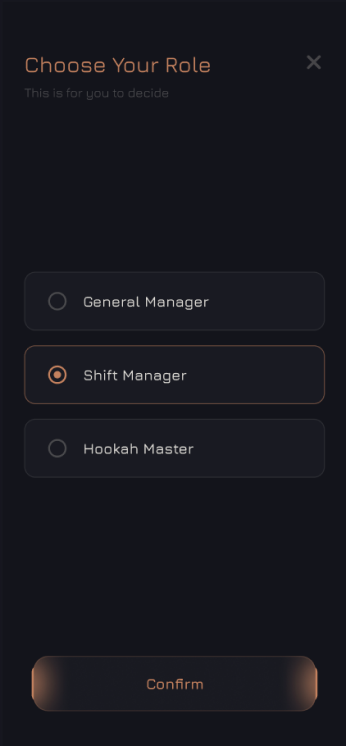
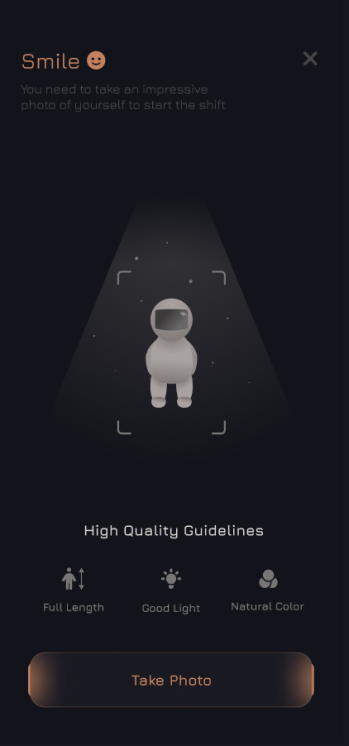
To start a shift, select your role and take a photo, following simple rules:
- Your appearance must comply with the established internal regulations;
- The photo must be full-length;
- Your face must be visible;
- The lighting must be bright;
- There should be no editing or filters.
Ending a Shift
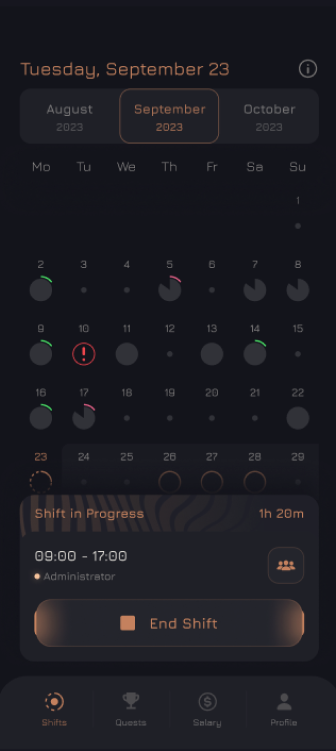
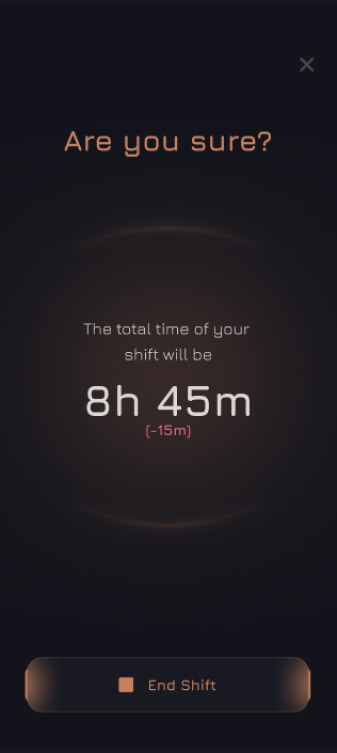
To end a shift, click the End Shift button.